
Growth guides for beauty professionals
Turn a price list photo into editable services with AI or import services and portfolio from Instagram, then improve your profile and repeat booking routines.
Turn your Yofica page into a booking link
What clients see, where to find your public link, and how to share it so the next step is booking.
Build a Yofica profile that earns bookings
A practical profile checklist for beauty professionals who want clients to book faster.
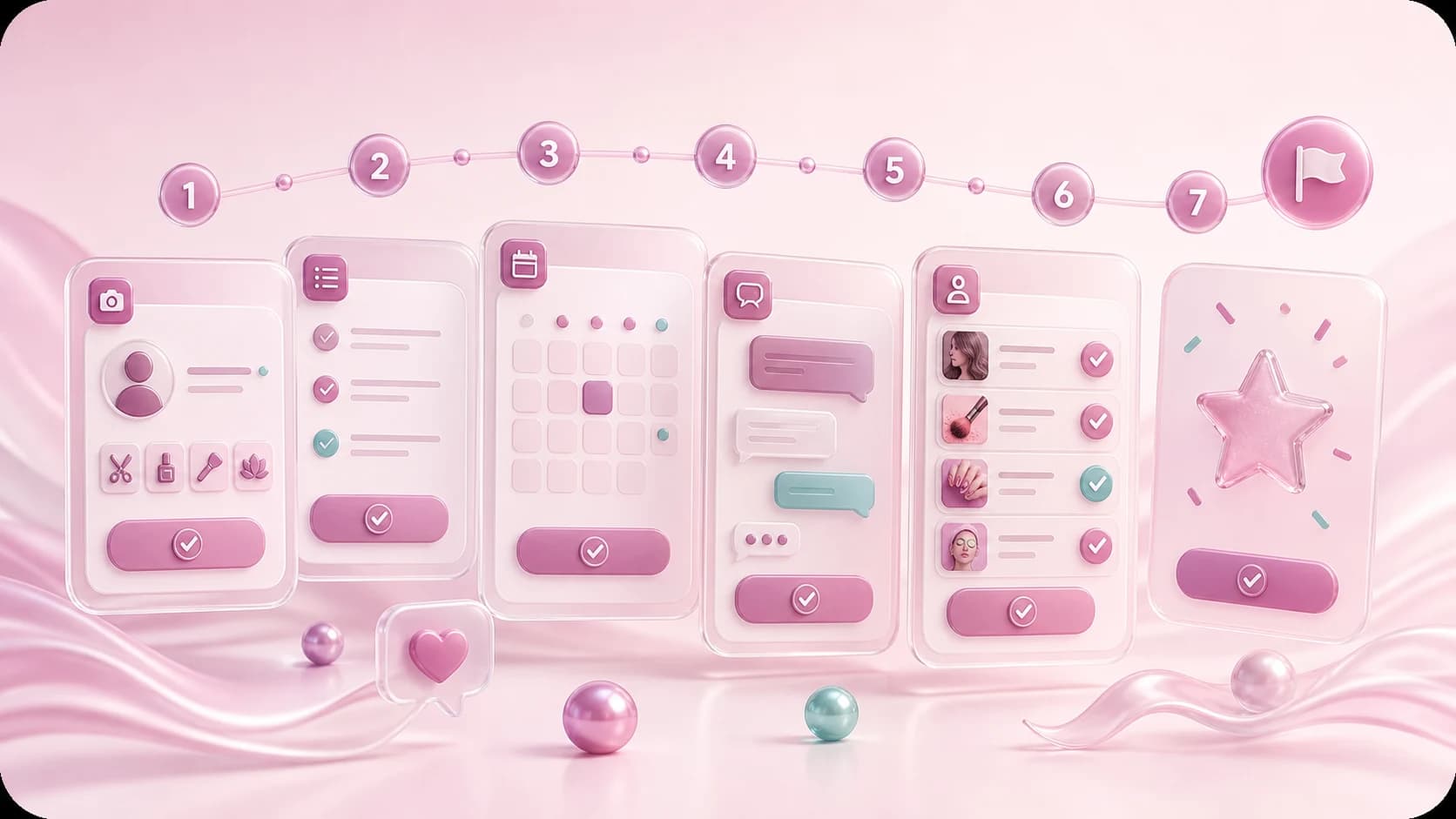
A calm first week on Yofica
A practical story about turning a profile, photos, and messages into the first booking rhythm.
Review request message
A short script for asking happy clients to leave a useful review.
Blocked users, data export, and account deletion
Where the account safety controls live and when to use each one.
Set notifications so you do not miss bookings or messages
Booking requests, appointment updates, chat messages, and support signals.
What to clarify in chat before a beauty appointment
A small checklist that prevents wrong expectations before the visit.
Use the master assistant for real work, not vague prompts
Ask about today’s schedule, clients, and booking drafts with clear context.
Set up the AI assistant without overthinking it
The first prompts and business details that make the assistant useful from day one.
Plans, limits, and AI usage for masters
How to read usage, avoid surprises, and decide when a plan is worth it.
AI settings: what to enable first
Start with safe settings and improve after the first real conversations.
Accept or decline booking requests professionally
Pending, confirmed, completed, cancelled: what to do before tapping the status button.
Create a manual booking when the client came from outside Yofica
Keep Instagram, phone, and walk-in clients inside the same appointment history.
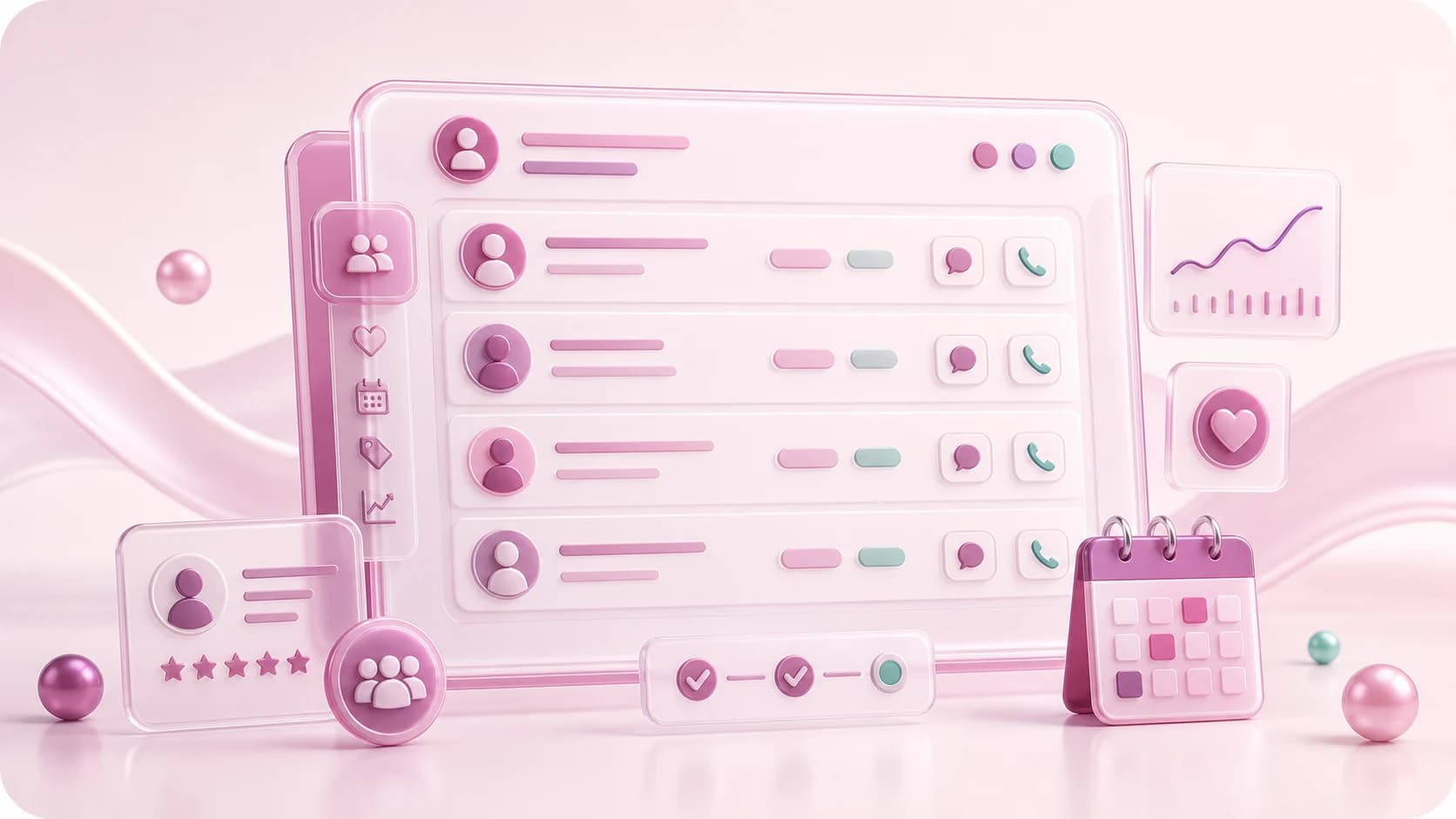
Use the client list as a simple beauty CRM
Last visit, next appointment, total visits, total revenue, call, and chat in one place.
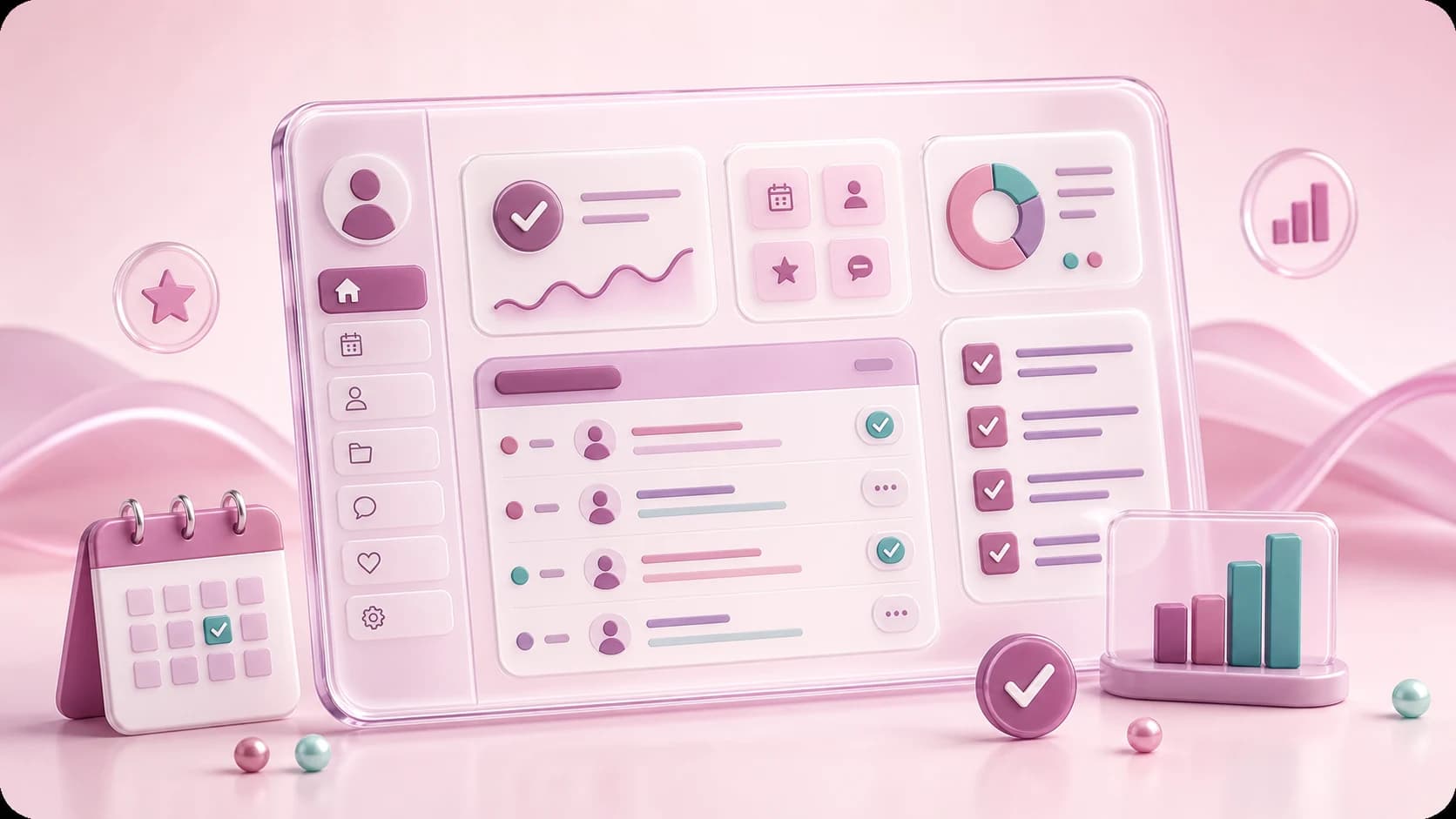
Read your master dashboard on day one
Next client, upcoming bookings, completion, clients, and rating without guesswork.
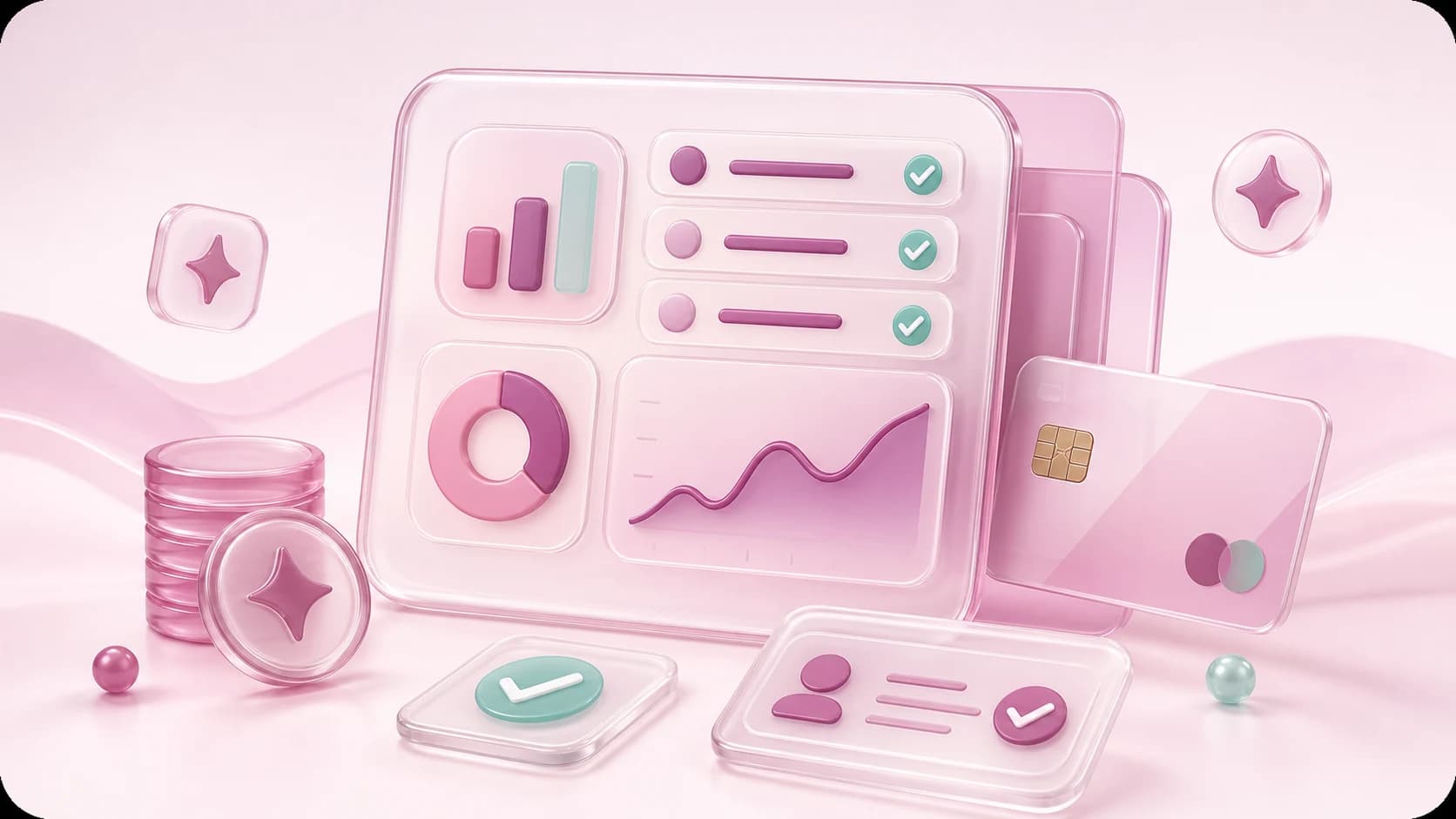
Understand earnings from completed bookings
Why earnings depend on completed appointments and clean service prices.

Import your Instagram work into Yofica
Connect a Professional account, choose up to 12 posts, then import portfolio photos with or without AI service suggestions.
Photo checklist before you publish new work
A simple way to choose photos that make results easy to trust and compare.
Ask for reviews that actually help new clients
When to ask, what to write, and how to keep the request calm and professional.

Set up a schedule that does not create chaos
Working days, gaps, service length, and realistic availability for beauty appointments.
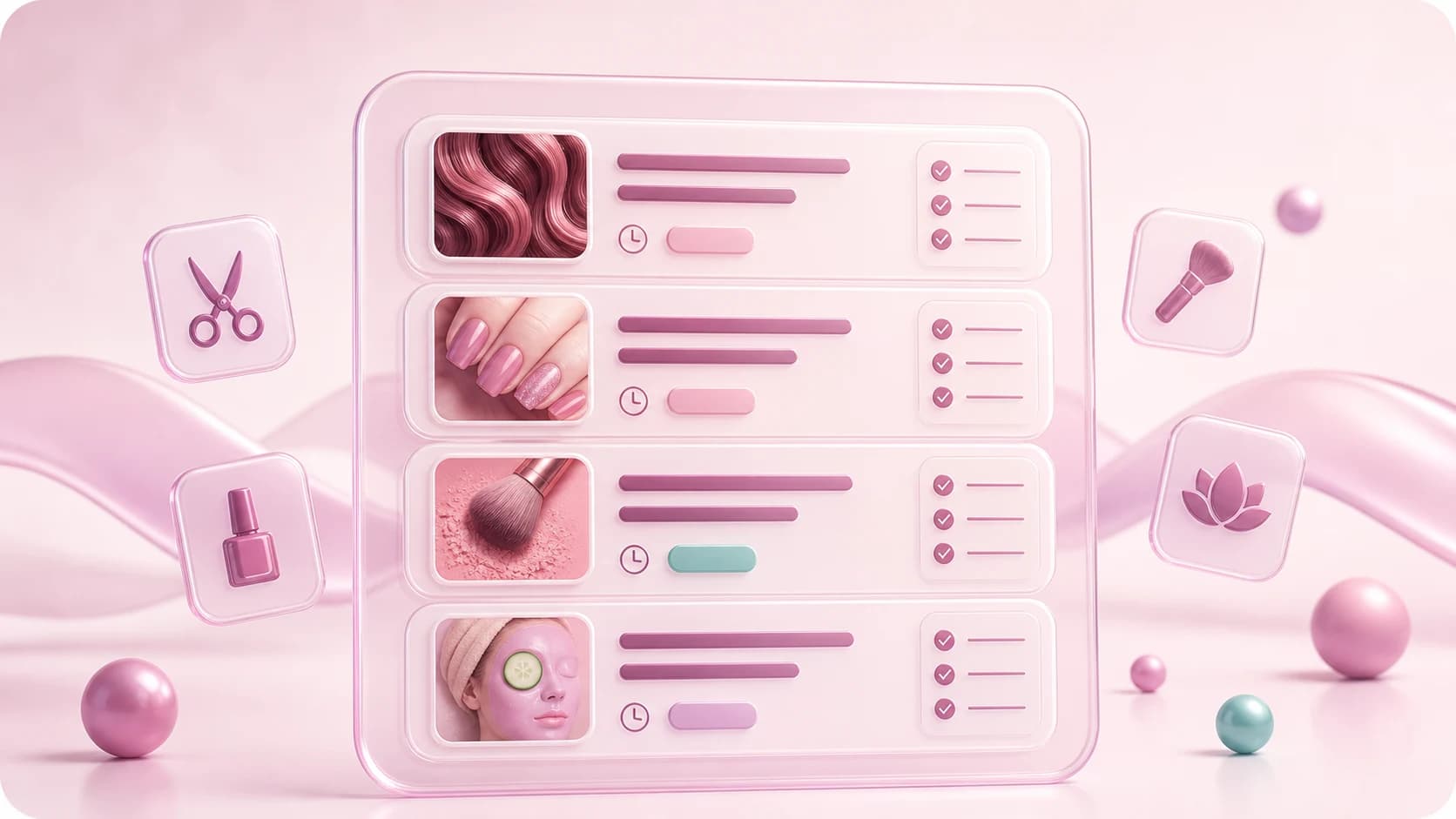
Create services clients can book confidently
Name, price, duration, category, and description rules for clear booking cards.
Turn a price list photo into services with AI
Choose a price-list photo, review the recognized services, and save only the ones you need.
A chat that prevented the wrong visit
A practical story about clarifying service, time, and expectations before booking.
The evening AI helped keep under control
A story about using assistant drafts, schedule context, and calm replies during a busy day.
From an Instagram question to a Yofica booking
An example of how one public page can replace repeated price and availability messages.
Aftercare follow-up message
A useful follow-up that reduces repeat questions after beauty services.
AI assistant tone prompt
A short instruction for making AI replies sound helpful, not robotic.
Booking confirmation message
A short confirmation script with service, time, and preparation details.
Reschedule offer message
A calm way to offer new slots when the original time no longer works.